
The short answer
Redesign when the website’s foundations still support your business. Rebuild when those foundations prevent the improvements you need. If the problem is limited to a broken form, unclear content or a slow page, a targeted repair may be enough. The age of the website alone is not a reason to replace it.
First, separate a new look from a new website
Your website no longer feels right. Perhaps the design belongs to an earlier version of your business, the mobile experience is awkward or small changes now require too much effort. You know something needs attention, but it is less obvious how much needs replacing.
“Redesign” and “rebuild” are often used interchangeably in proposals. That can hide very different amounts of work. Before comparing quotes, ask what will stay, what will change and why.
| Approach | What changes | When to consider it |
|---|---|---|
| Targeted improvement | Specific content, features or faults. | The site generally works, but a few problems need attention. |
| Redesign | Presentation, navigation and visitor journeys, usually on the existing platform. | The technical setup is usable, but the experience needs substantial improvement. |
| Rebuild | The implementation or platform, with planned migration of useful content and data. | The current system cannot reliably support what the business needs. |
These are working definitions, not fixed industry packages. A redesign can include development work, and a rebuild can retain your domain, content and visual identity. The scope matters more than the label.
01 · Keep the useful foundations
When a website redesign makes sense
A redesign is worth considering when the platform is maintainable, your team can manage the content and the core functions work, but the presentation no longer supports your business.
Your brand or services have changed
You may now serve a different customer, offer more specialised work or need to present a stronger portfolio. The site should reflect what you actually do today. That may require clearer service pages, new photography and a different navigation structure without replacing the entire system.
The content is useful, but difficult to navigate
Important information can become buried as pages accumulate. If visitors struggle to find the right service or understand the next step, reorganising the content and page layouts may solve the problem. Keep useful detail while making it easier to reach.
The mobile experience needs attention
Oversized headings, cramped forms and menus that cover the screen can often be corrected within the existing platform. First establish whether the issue is in the layout or in a deeper technical limitation.
Illustrative example: a consultancy has accurate service content, reliable enquiry forms and a manageable website. Its branding has changed and the navigation has become cluttered. A focused redesign could address the problem without replacing its content system.
The aim is not to preserve everything simply because it already exists. It is to avoid paying to replace useful foundations when the real work is improving how they are presented.
02 · Know when the limits are structural
When rebuilding is the more practical option
A rebuild becomes more reasonable when the current implementation makes essential changes unreliable, expensive or impossible. The decision should be supported by specific limitations, not a vague claim that the website is old.
The platform no longer supports your requirements
A basic brochure website may not be suitable for customer accounts, complex bookings or a product catalogue connected to stock management. Ask whether those functions can be added sensibly or whether you would be forcing a system into a role it was not designed to handle.
Maintenance has become fragile
If routine changes repeatedly break unrelated parts of the site, investigate the cause. A collection of conflicting customisations, abandoned components or undocumented work can make ongoing repairs difficult. A technical review should distinguish fixable defects from a system that is becoming uneconomical to maintain.
You cannot manage or transfer what your business depends on
Missing account access is initially an ownership and access problem, not automatically a rebuild decision. Clarify domain control, hosting access, licences and export options. If a platform genuinely prevents essential portability or editing, include those limitations in the comparison.
Our web development services provide a starting point for discussing these requirements. A useful recommendation should explain which limitations a rebuild would remove and what you would gain beyond a different homepage.
What should you check before making the decision?
Do not begin by choosing colours. Begin by documenting what the current website does well, where it fails and what the business needs next. This gives the project a purpose and helps prevent valuable material from disappearing during the change.
- Business outcomes: identify the services, products and enquiries that matter most.
- Useful pages: record content that brings relevant visitors, answers customer questions or supports sales conversations.
- Working functions: list forms, bookings, payments, downloads and integrations that must continue working.
- Technical limitations: separate confirmed faults from assumptions about the platform.
- Content ownership: confirm access to text, images, accounts, licences and source files where applicable.
- Future requirements: distinguish what you need at launch from features that can wait.
A site with few enquiries does not necessarily need a rebuild. Weak messaging, unsuitable traffic or slow follow up can remain a problem on a brand new platform. Likewise, an attractive design does not prove the underlying setup is healthy.
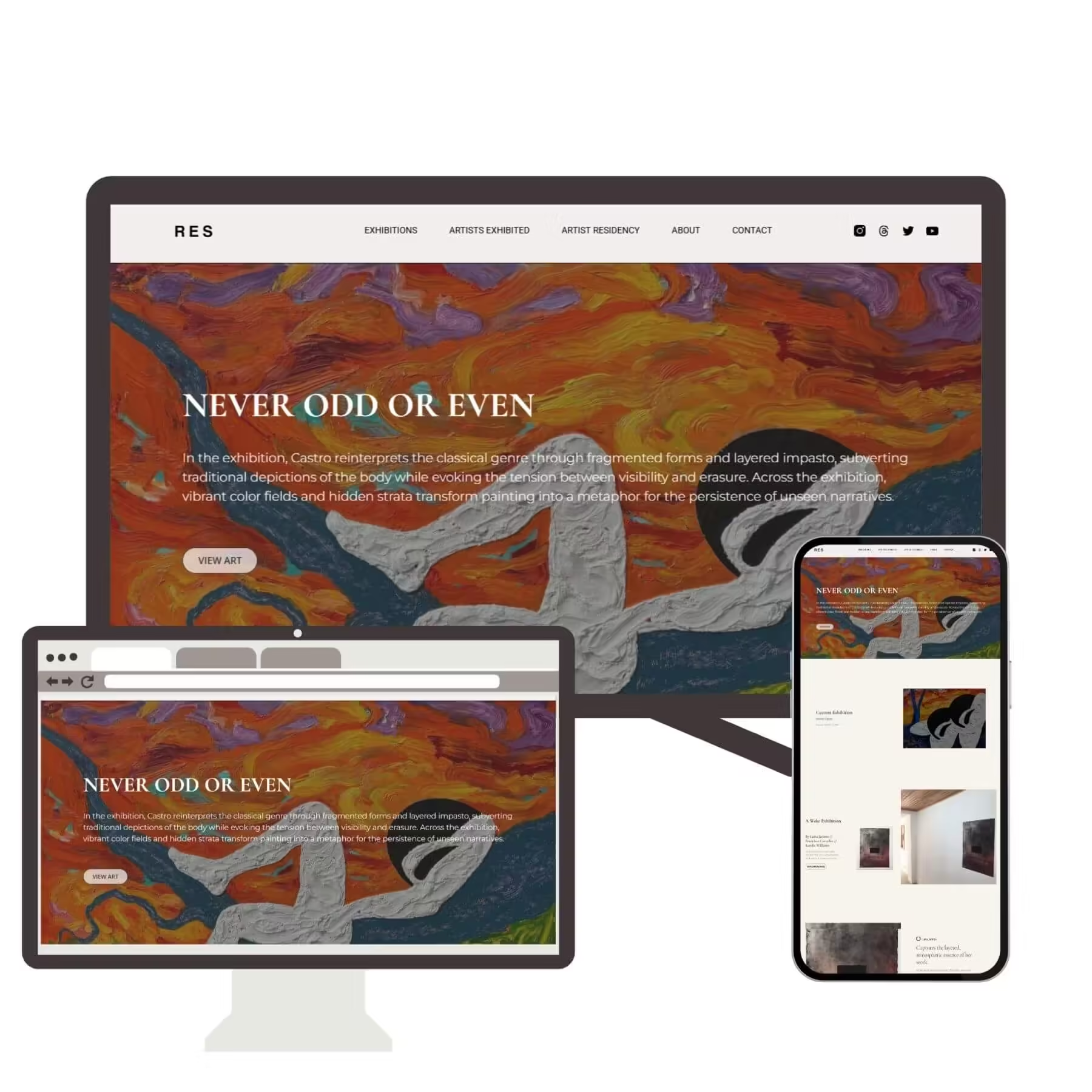
When looking at other websites, write down what is useful rather than simply asking for a copy. You might like the way a gallery organises a collection, but your service business may need a different structure to help customers request a quote.
03 · Compare the full scope
Is a redesign cheaper than a new website?
Sometimes, but not automatically. Reusing a healthy platform and accurate content can reduce work. Repairing a complicated implementation while preserving every old behaviour can also take longer than building a simpler replacement.
Compare two clearly defined proposals rather than two headline prices. Ask each provider to explain what is included in the build, the migration, testing and support after launch.
Include the work people often overlook
- Rewriting outdated content and preparing replacement images.
- Moving products, articles, downloads or customer data where required.
- Reconnecting forms, booking tools and other integrations.
- Checking important page addresses and planning any necessary redirects.
- Training your team and documenting account ownership.
- Hosting, licence renewals and ongoing maintenance.
Also consider the cost of disruption. A cheaper proposal that leaves your booking process unusable or your team unable to edit important pages may not represent better value.
Ask this before accepting a quote: “Which existing problems will this work solve, what will remain unchanged, and how will we check that the result works?”
A phased approach may suit a limited budget. You could repair a failed enquiry route now, improve priority service pages next and plan a larger rebuild when its scope is clear. Agree on how interim work will be reused so that you do not pay twice for changes that will soon be discarded.
04 · Preserve what people already find
How do you reduce SEO risk during a redesign?
A new appearance does not require a new domain or different page addresses. Preserve useful URLs where practical. If addresses must change, plan where each important old page will move before launch.
Google recommends mapping old URLs to their new destinations, updating internal links and monitoring a move. Significant changes can cause temporary ranking fluctuations. See Google’s site migration guidance. No responsible proposal should promise zero ranking movement.
Do not send every old page to the homepage
When a page moves permanently, use an appropriate permanent redirect to its relevant replacement. Do not funnel unrelated pages into a generic destination. Content removed without a suitable replacement may need a proper not found response instead. Google explains these distinctions in its redirect guidance.
Check that important content, titles, canonical references and internal links remain appropriate. Confirm that the production site is not left with development indexing restrictions. These checks reduce avoidable mistakes; they do not guarantee future search performance.
Keep location pages useful
If your business has genuine service area pages, review them as part of the project rather than removing them because the new layout looks cleaner. For example, our Pretoria North web design page and Sandton web design page should remain connected to relevant navigation and services when the wider website changes.
Plan the launch before the website is finished
The launch is part of the project, not an administrative detail at the end. Agree on who will approve the site, who will make it live and who will handle faults discovered afterwards.
- Keep a recoverable backup. Include the files, database and configuration needed to restore the previous working version.
- Review a separate preview. Test the new experience before replacing the live site and control access to unpublished content.
- Check real customer tasks. Submit a form, make a test booking where appropriate and verify notifications reach the right people.
- Check mobile and keyboard use. Review navigation, visible focus, readable text and form errors.
- Plan changing data. For stores and booking sites, decide how orders or appointments created during development will be preserved at launch.
- Assign launch support. Keep a clear list of checks, owners and a rollback decision process.
A rollback must also account for new activity. Restoring an old database after customers have placed orders can overwrite those transactions. The launch plan should explain how new records will be protected if recovery is needed.
After launch, review enquiries, important pages and technical errors. Compare results over a meaningful period, allowing for changes in traffic and demand. A successful project should be judged against the agreed requirements, not only whether everyone likes the new design.
Frequently asked questions
How often should a business redesign its website?
There is no fixed replacement schedule. Review the site when services, branding or customer needs change, and when usability or maintenance problems appear. A well maintained older site may need less work than a newer site built around the wrong requirements.
Can I keep my domain when rebuilding?
Usually, yes, provided you control the domain and can arrange the required configuration. Rebuilding the website does not inherently require a new address. Include domain access and any hosting changes in the project plan.
Will a redesign damage my Google rankings?
It can affect search performance, especially when content or URLs change. A planned migration, relevant redirects and post launch checks can reduce avoidable risk. No provider can guarantee that rankings will remain unchanged.
Can my existing website stay live during development?
Often, the replacement can be prepared in a separate environment while the current site remains available. The final switch still needs planning, particularly for websites receiving orders, bookings or other changing data.
Should I change platforms just because my website is slow?
Not without investigating the cause. Large assets, inefficient configuration, hosting limitations or unnecessary scripts may be fixable. A platform change is more useful when the underlying requirements cannot be met reliably on the current setup.
Can I reuse my existing text and images?
Yes, if they are accurate, suitable and you have the rights to use them. Review what still supports the business and replace only what needs updating. A fresh design does not require discarding every existing asset.
Choose the smallest change that solves the real problem
A redesign is not a lesser option, and a rebuild is not automatically a better investment. The right choice depends on what your business needs and whether the existing website can support it reliably.
Keep what works. Identify what is holding the site back. Then agree on a scope that addresses those problems, protects useful content and leaves your team with a website it can actually manage.